Regulatory updates
FoSCoS OTP Not Received or Documents Not Uploading: Practical Fixes
For FoSCoS OTP or document-upload problems, first verify the official portal, the correct account and the live form’s requirements. Preserve drafts, payment records and error evidence. Technical troubleshooting should not create duplicate applications or unsupported business declarations.
By the MyFoodLicense team Sources checked 3 min read
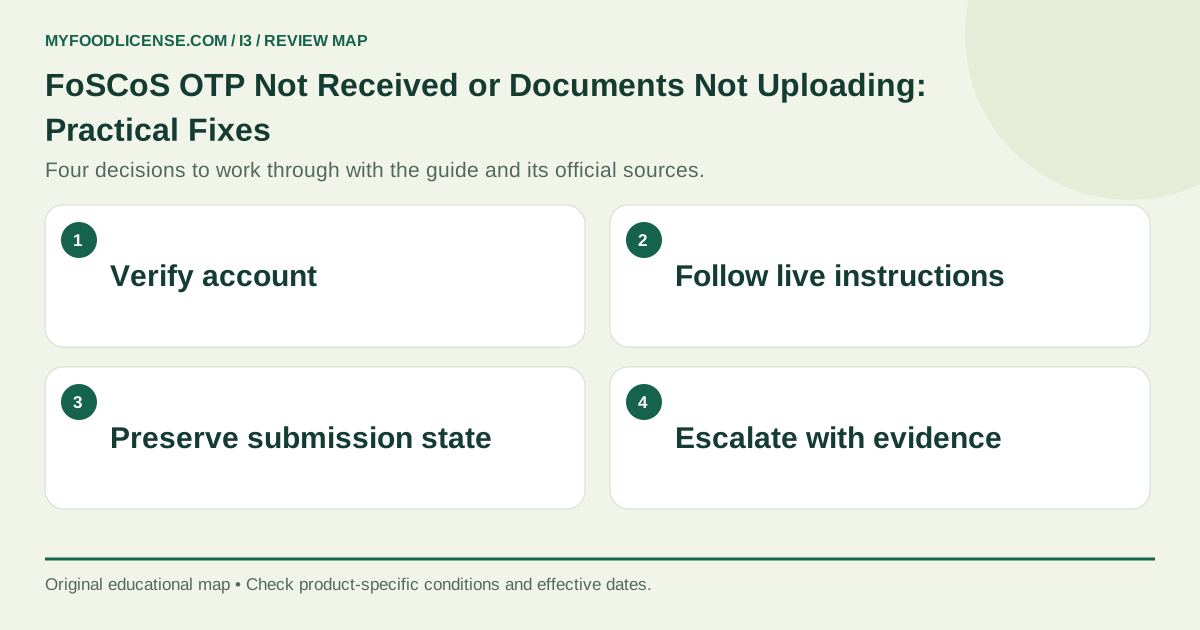
In this guide
Check the account and contact information
Use official FoSCoS and confirm that you are using the intended login or recovery flow. Review the registered mobile or email shown where available, delivery delays and spam folders as relevant. Do not publish identity documents or OTPs in public support messages. Account-control problems may need official assistance.
Handle OTP retries methodically
Use the resend and expiry instructions currently shown by the portal. Avoid repeated simultaneous requests that make it unclear which code is current. Check device connectivity and message reception. This is practical troubleshooting, not a claim that every delivery issue can be fixed locally.
Read the actual upload requirements
For each document field, check the accepted format, size limit and instructions displayed now. Do not rely on a universal PDF-size number from an old tutorial. Keep text legible and pages correctly oriented. A readable smaller file is useful; excessive compression that hides signatures or details defeats the purpose.
Protect submission and payment state
Save the form where the portal permits and record the application reference. After a connection error, inspect the actual status before starting a new filing or paying again. A bank debit needs reconciliation with portal payment and submission records. Do not assume either success or failure from a frozen screen alone.
Escalate with useful evidence
Use the official help or grievance information currently available on FoSCoS. Provide the application reference, stage, time, error text, browser details and redacted screenshot as appropriate. Keep the support acknowledgement. A technical issue does not justify invented dates, an inaccurate KoB or treating a pending application as approval.
A worked example
Hypothetical example
An applicant sees an error after payment and starts to create another application. It first checks the existing reference and payment status, preserves the receipt and raises a documented support request. This helps prevent duplicate records while the actual transaction is reconciled.
Your practical checklist
- Verify the official portal and account.
- Check registered contact and current OTP instructions.
- Read each live upload-field requirement.
- Prepare legible correctly oriented files.
- Reconcile status before repeat payment or filing.
- Escalate with references and redacted error evidence.
Download this preparation checklist
For help applying this review to your business, explore our Application Clarification / Resubmission service. Bring the documents described above so the consultation can focus on the decisions still unresolved.
Frequently asked questions
What is the universal FoSCoS file-size limit?
Use the current limit shown for the actual document field; do not assume one value for every upload.
Should I request many OTPs at once?
Follow the portal’s displayed resend instructions and keep the current code clear.
Does bank debit mean successful submission?
No. Reconcile payment and application status.
Should I create a new account for every error?
First review the existing account and official recovery or support route.
Can I post an OTP to get help?
No. Preserve account control and share only appropriate redacted support information.
Official sources and further reading
Checked on 2 October 2026. Gazette notifications and operative directions prevail over compilations and summaries, including this guide.
- Official FoSCoS application portal: Official applications, help topics, current document lists and eligibility information.
- FoSCoS documents required for a registration certificate: Photograph, government-issued photo identification and conditional business-address proof.
- FSSAI implementation FAQs issued 27 March 2026: Operational guidance on fee prepayment, migration, unchanged licence numbers and licences issued on or after 1 April 2026.
This guide is general information, not legal advice; the right route depends on your product and business facts. Examples marked hypothetical are illustrations, not client cases. MyFoodLicense is an independent consultancy and is not affiliated with FSSAI; applications are decided by the competent authority on the official FoSCoS portal.